
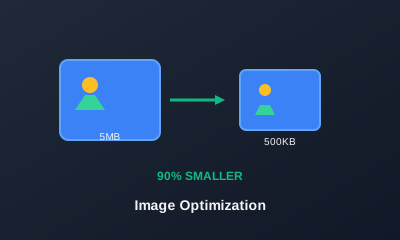
Fast websites, landing pages and newsletters all rely on lightweight images. Large, unoptimised files slow down loading times, hurt SEO and frustrate visitors on mobile connections.
The goal of image compression is to shrink file size while keeping perceived quality high. Some quick tips: - Prefer WEBP or optimised JPG over uncompressed PNG for photos and complex graphics. - Resize very large images down to the maximum width you actually need on the page. - Remove unnecessary metadata when possible to shave off extra kilobytes. - Aim for a visual balance: small enough to load quickly but still sharp on modern screens.
When preparing assets for the web, ask yourself: - Where will this image appear (hero section, thumbnail, blog body)? - How big does it need to be in CSS or the layout? - Is it a photo, a screenshot or a flat illustration?
Tempizy's image tools let you resize and compress images in one place before you upload them anywhere else. You can: - Drag in one or multiple files. - Set a target width and let the height scale automatically. - Choose output formats like WEBP or JPG. - Apply compression settings that balance quality and performance.
By building a simple habit — run images through Tempizy before publishing — you keep your site snappy, search‑engine friendly and pleasant to browse on any device.